Mobile Solutions
Tally on Mobile
Track live inventory, accounting reports and business dashboards on the go. Access your Tally data from anywhere with secure mobile and cloud solutions.
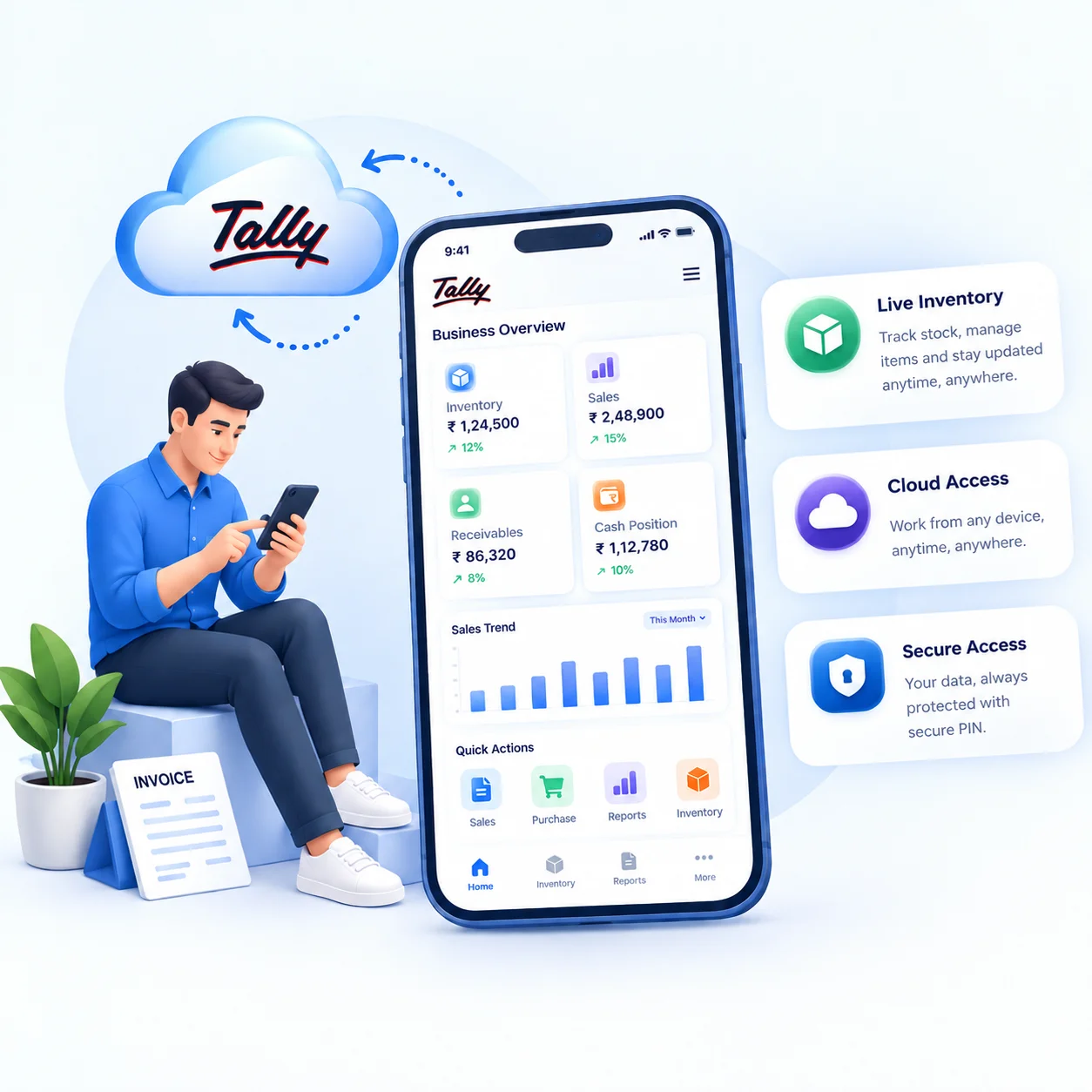
Track live inventory, accounting reports and business dashboards on the go. Access your Tally data from anywhere with secure mobile and cloud solutions.
Real-time access to critical business information
Balance Sheet, Profit & Loss and Day Book access anytime
Track money coming in and going out in real-time
Confirm live stock before you commit to a customer.
Track open sales and purchase orders easily
See receivables and payables at a glance
Drill down to individual entries with detailed reports
Sales and Purchase registers for periodic review.
Check departments, projects or branches.
See stock quantities and movement update in real time as transactions are entered
Stock value, low-stock items, and fast/slow-moving groups in one view
See outstandings, sales and cash position in one place.
The Tally Mobile App helps business owners stay connected with important reports, dashboards and business insights while managing operations remotely.
Work in Tally remotely when viewing is not enough.
Track pending sales and purchase orders against current stock levels
Check stock availability before you promise a delivery to customers
Connected through Tally.NET with Secure PIN as second layer protection
Open your reports and dashboards from any standard browser, on any device, phone, tablet or computer, using your Tally.NET login. No separate app is needed to view them.
Receivables, payables, cash, bank balances and daily profit/loss in one glance
View Tally data from anywhere without waiting for office staff
Accounting and inventory dashboards available anytime
Track low-stock situations before they affect sales
Follow up on deliveries without calling the office
Better-informed decisions based on live data
Review and approve entries from anywhere
Get live stock updates before you quote or commit
Reduce dependency on office systems and on-call staff
Enable Web Access in F11 Features menu under Online Access
Connect your company to Tally.NET and set a Secure PIN
Open browser on your phone and log in with Tally.NET ID
Go to Report Access and start viewing your dashboards
Track live inventory, accounting reports and business dashboards on the go. Access your Tally data from anywhere with secure mobile and cloud solutions.
Find answers to common questions about Tally on Mobile
Mobile Access allows you to view Tally reports, dashboards, stock details and outstanding information from your smartphone browser anytime, without being at the office.
It works on Android and iOS devices using standard web browsers like Chrome and Safari through Web Access. No specific app installation is needed.
No. You can access reports and dashboards through a mobile browser using Web Access. A separate Tally Mobile App is not required for viewing Tally data.
Mobile Access allows you to view reports and business information, while Tally Cloud Access enables complete Tally usage, including data entry and full working access from anywhere.
Yes. You can view live inventory details, stock reports, accounting dashboards and business insights from your mobile device anytime.
Yes. Finac provides mobile access, Tally Cloud Access, Web Access and dashboard solutions for businesses in Pune, PCMC and nearby areas with full setup and support.
Enable Tally on Mobile for your business in Pune & PCMC. Access your dashboards, track inventory and manage operations from anywhere.